Technical
December 2025 8 min readHow to Fix Buffering on IPTV Smarters Pro: Tips for South African Internet Users
Troubleshooting guide for fixing IPTV buffering issues on South African internet connections - from ISP throttling to router settings optimisation.
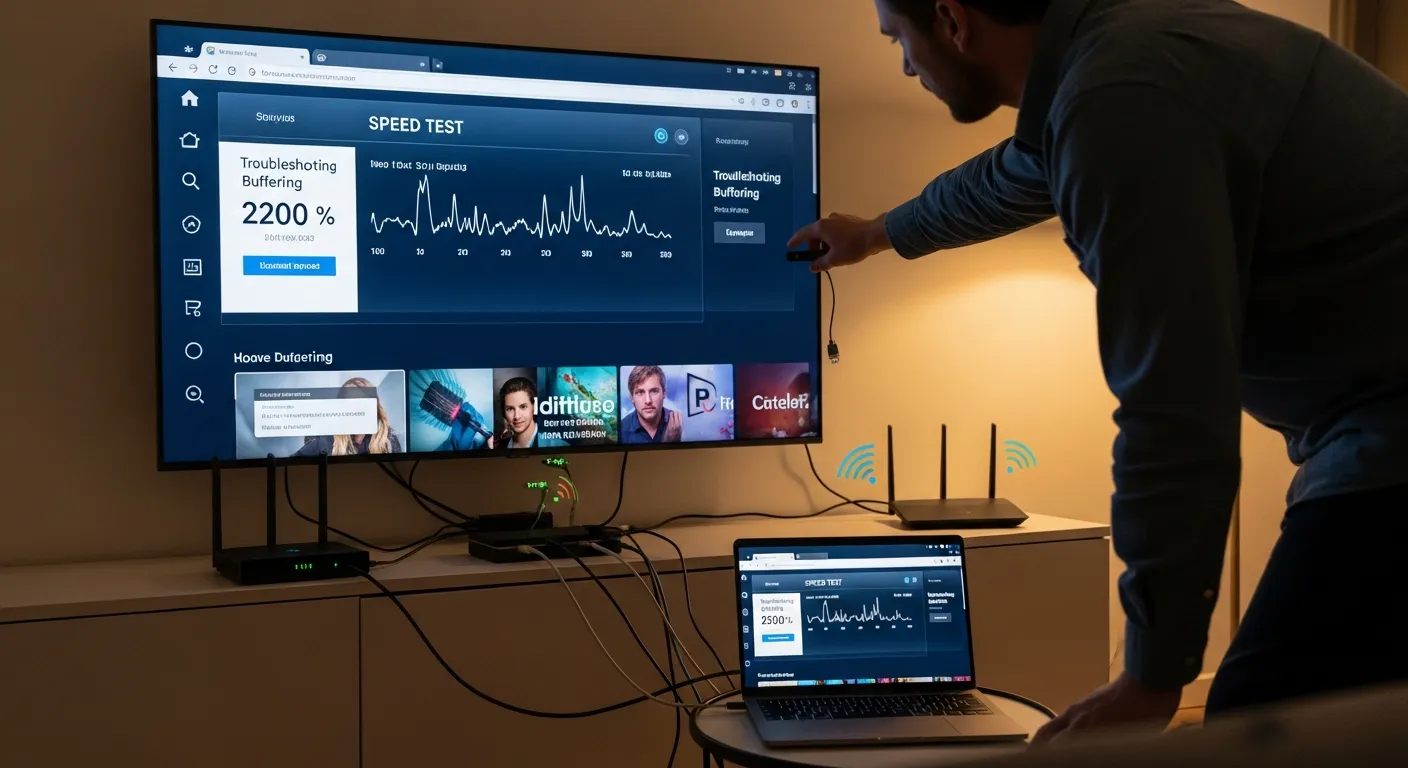
Buffering is the most frustrating experience when streaming IPTV, especially during a live sports event or at a climactic moment in a movie. While IPTV Smart Pro uses Anti-Freeze 3.0 technology to minimise these issues, your local network setup plays a crucial role in stream quality. Here are proven solutions for the most common buffering causes on South African internet connections.
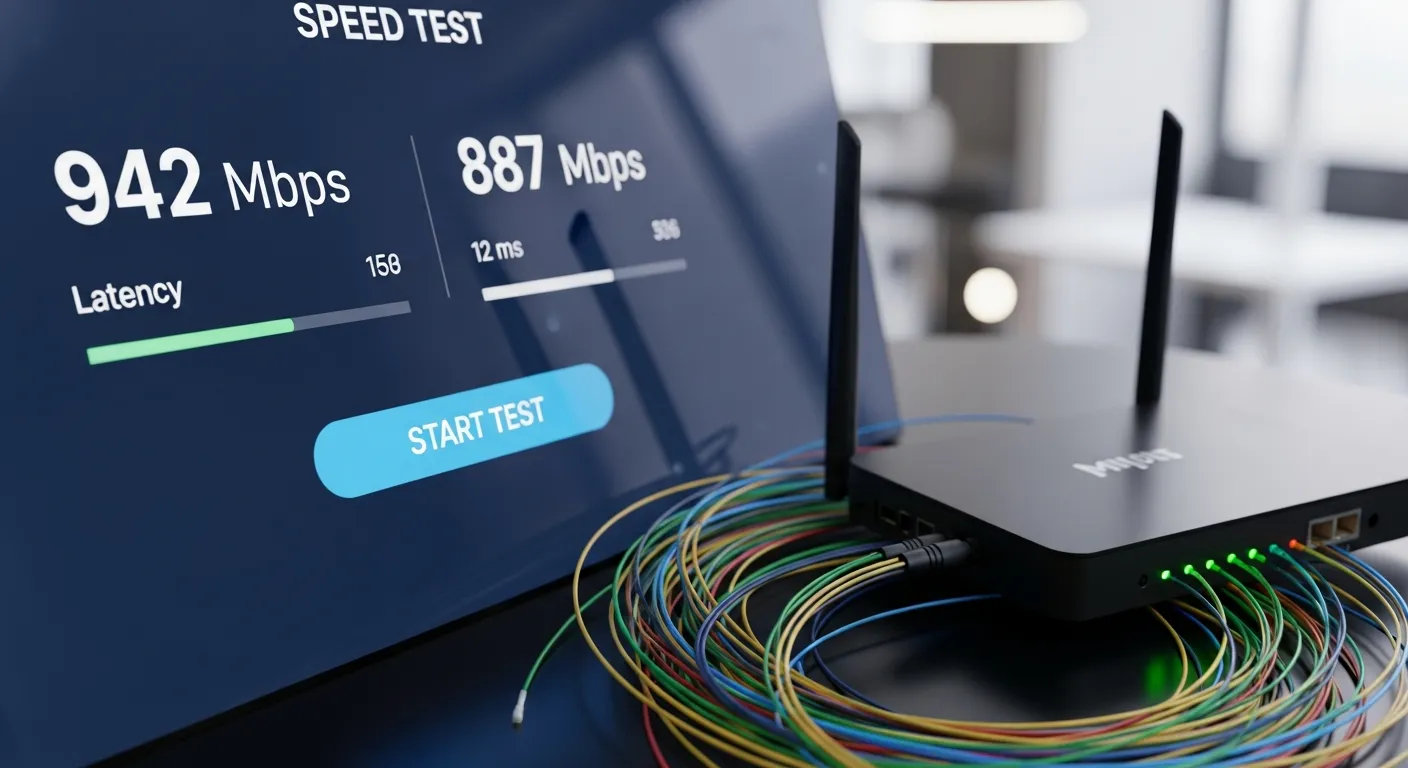
First, test your actual internet speed using a service like Speedtest by Ookla. You need a minimum of 10 Mbps for stable HD streaming and 25 Mbps for 4K. If your speed falls below these thresholds, contact your ISP. Many South African fibre providers offer speed upgrades at reasonable monthly premiums. If you are on LTE or fixed-wireless, speeds can vary significantly by time of day, so test during the hours you typically watch.
Wi-Fi interference is the number one cause of buffering in South African homes. Thick walls, multiple floors, and distance from the router all degrade signal quality. For the best streaming experience, use a wired ethernet connection between your router and streaming device. If that is not practical, ensure your streaming device connects to the 5GHz Wi-Fi band rather than 2.4GHz. The 5GHz band is faster and less congested, though it has slightly shorter range.
Router settings can make a significant difference. Log into your router admin panel and disable any bandwidth-limiting or QoS (Quality of Service) features that might throttle streaming traffic. Ensure your router firmware is up to date. If your ISP-provided router is older than three years, consider upgrading to a modern Wi-Fi 6 router for dramatically improved streaming performance.
ISP throttling is another factor some South African users encounter. Certain ISPs may deprioritise streaming traffic during peak hours. If you suspect throttling, contact your ISP to enquire about their traffic management policies. In some cases, using a VPN can help bypass throttling, though this adds a small amount of latency. IPTV Smart Pro's servers are optimised to work without a VPN on most South African ISPs.
Within IPTV Smarters Pro, adjust the player settings for optimal performance. Set the video player to Auto or Hardware Decoder for the most efficient playback. If a specific channel buffers, try switching between available stream qualities - many channels offer SD, HD, and 4K options. Reducing to HD on a congested network can eliminate buffering entirely while still providing excellent picture quality.
If you have exhausted all network-level fixes, clear the app cache on your streaming device. On Fire Stick, go to Settings, Applications, Manage Installed Applications, find IPTV Smarters Pro, and select Clear Cache. On Android devices, find the app in Settings, Apps, and clear its cache. This removes any corrupted temporary data that might affect playback performance. Finally, ensure your IPTV subscription is active and that your login credentials are entered correctly, as expired or incorrect credentials can cause connection issues that mimic buffering.