Pillar Content
February 2026 10 min readIPTV Smarters Pro Setup Guide: How to Install and Configure on Any Device
Step-by-step tutorial for installing and configuring IPTV Smarters Pro on Firestick, Android, Samsung/LG Smart TVs, and more devices popular in South Africa.
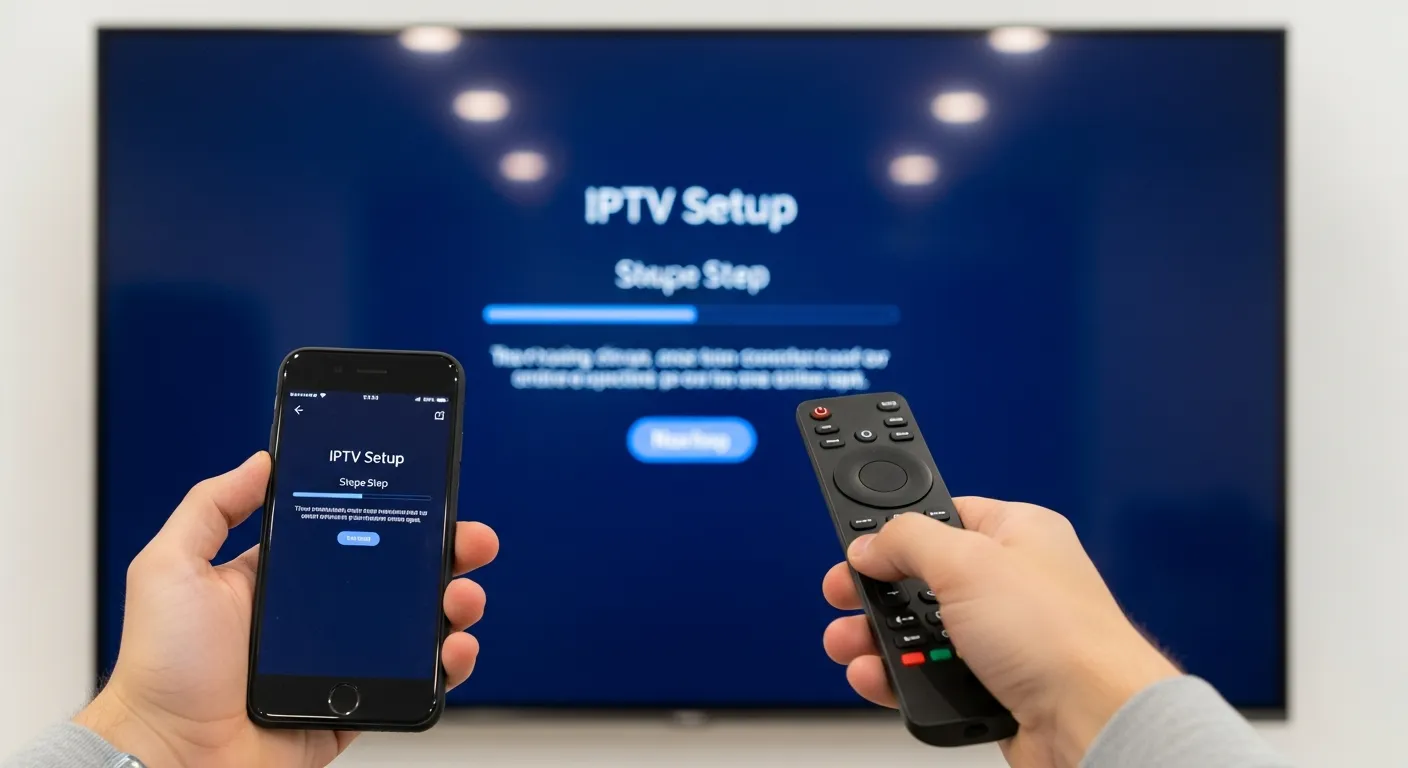
IPTV Smarters Pro is the most popular IPTV player app used by South African subscribers, and for good reason. It offers a clean, intuitive interface, supports both Xtream Codes and M3U playlists, includes an electronic programme guide (EPG), and works on virtually every device. This guide walks you through the complete setup process on all major platforms.
For Amazon Fire Stick and Fire TV, start by navigating to Settings, then My Fire TV, then Developer Options. Enable Apps from Unknown Sources. Return to the home screen and open the Downloader app (install it from the Amazon App Store if you do not have it). Enter the IPTV Smarters Pro download URL and install the APK. Once installed, open the app, select Xtream Codes API as the login type, enter the server URL, username, and password provided in your IPTV Smart Pro welcome email, and tap Add User. Your channels will load within seconds.
For Android TV boxes and Android smartphones, visit the Google Play Store and search for IPTV Smarters Pro. Tap Install and wait for the download to complete. Open the app and choose your preferred login method. If you have Xtream Codes credentials, select that option and enter your details. If you prefer M3U, paste your playlist URL. The app will parse your channel list and organise them into categories automatically.
Samsung Smart TV owners can use the Smart IPTV app available in the Samsung App Store. Install the app, note the MAC address displayed on screen, visit the Smart IPTV website from another device to upload your M3U playlist URL against your MAC address. Return to your TV, restart the app, and your channels will appear. Alternatively, some newer Samsung TVs support sideloading IPTV Smarters Pro through a USB drive.
LG Smart TV users with webOS can follow a similar process using the Smart IPTV app from the LG Content Store. The setup mirrors Samsung - install the app, note your MAC address, upload your playlist, and restart. For LG TVs running Netcast, the process involves using the TV browser to access the Smart IPTV activation page directly.
For Apple devices including Apple TV, iPhone, and iPad, download IPTV Smarters Pro from the App Store. The iOS version supports both Xtream Codes and M3U login methods. Enter your credentials exactly as received in your welcome email. The Apple TV version provides a full-screen experience optimised for the big screen with smooth navigation using the Siri Remote.
Once you have the app running on any device, take time to explore the settings. Enable the EPG (Electronic Programme Guide) for scheduled programming information. Set your preferred streaming quality - we recommend Auto for the best balance of quality and stability on South African connections. Enable Catch-Up if available for your channels to watch previously aired content. The Favourites feature lets you bookmark your most-watched channels for quick access.
Related reading: Install IPTV on Firestick · Install IPTV on Smart TV · Install IPTV on Apple Products · Top 5 IPTV Players