Technical
March 2026 6 min readHow to Install IPTV South Africa on Smart TV: LG and Samsung Guide
Complete guide to setting up IPTV on Samsung Tizen and LG WebOS Smart TVs without any extra hardware - stream directly from your television.
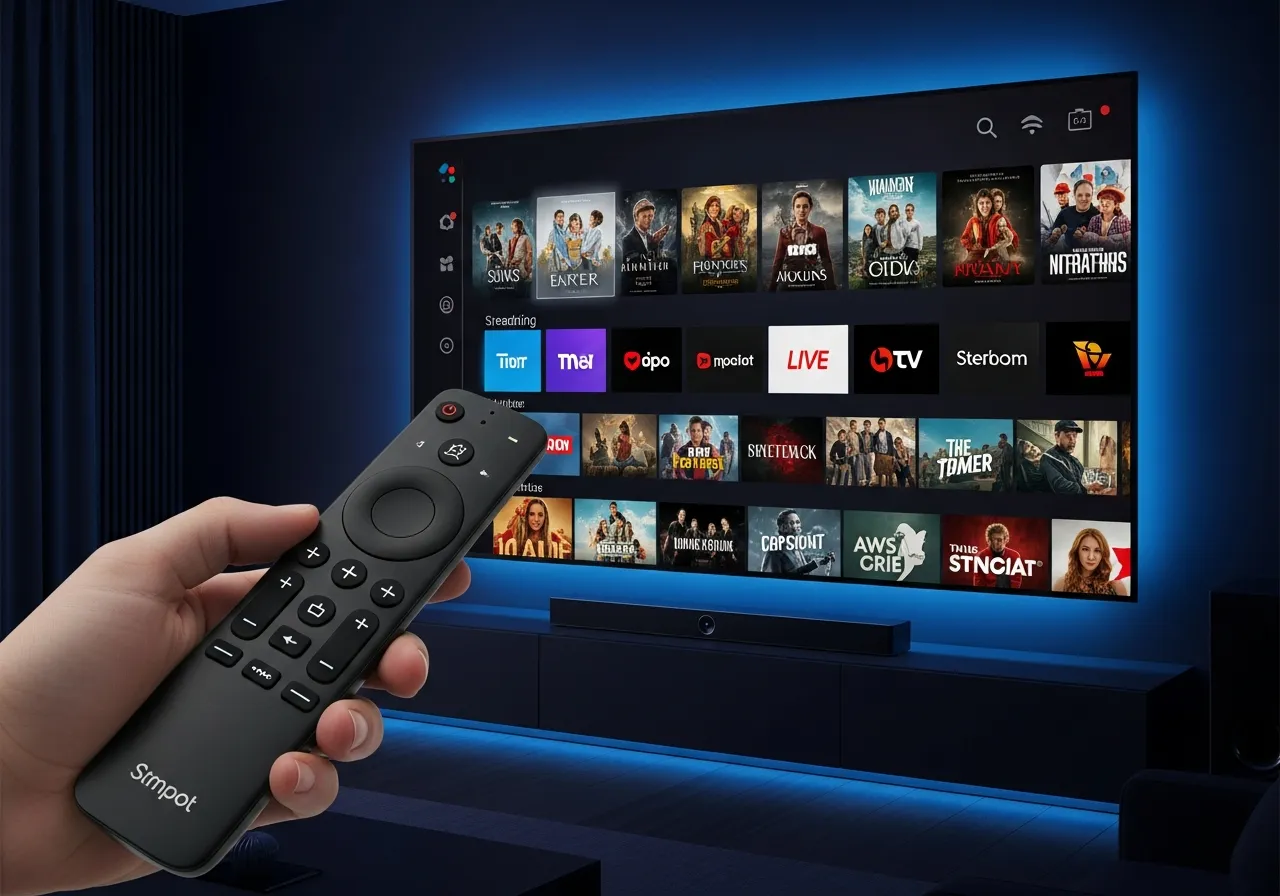
Upgrading your home entertainment in South Africa does not require extra hardware if you own an LG or Samsung Smart TV. Getting your iptvsmartpro.co.za subscription running on your TV is a breeze. This guide covers both Samsung Tizen and LG WebOS setups step by step.
For Samsung Smart TVs (Tizen OS): Press the Smart Hub button on your remote. Go to Apps and use the search icon to look for IPTV Smarters Pro or Smart IPTV. Download and install the app. Open the app and input your iptvsmartpro.co.za M3U link or Xtream Codes API credentials. Not sure which to use? Our Xtream Codes vs M3U guide explains the difference.
For LG Smart TVs (WebOS): Press the Home button and navigate to the LG Content Store. Search for IPTV Smarters Player or Smart IPTV. Install the application. Launch the app and enter the premium login details provided by your iptvsmartpro.co.za subscription. For a more detailed Samsung-specific setup, see our complete Samsung IPTV guide.
If your Smart TV does not support native IPTV apps, you can plug an Amazon Firestick into one of the HDMI ports for full IPTV access. See our Firestick installation guide for step-by-step instructions on that approach.
Enjoy buffer-free 4K streaming, local South African channels, and the best sports coverage right from your TV's native interface. For optimal picture quality, set your TV to Movie or Filmmaker Mode and ensure you are connected to the 5GHz Wi-Fi band or, ideally, use a wired ethernet connection.
To get the most from your Smart TV IPTV setup, make sure your internet connection meets the recommended speed requirements. A stable fibre connection of 25 Mbps or more ensures smooth HD and 4K playback on your big screen.
Related reading: Install IPTV on Firestick · Install IPTV on Apple Products · Install IPTV on Windows PC · Best IPTV Server 2026