Technical
October 2025 7 min readHow to Watch IPTV on Samsung Smart TV in South Africa
Complete guide to setting up and watching IPTV on Samsung Smart TVs - from Tizen-based models to older Samsung TVs popular in South African homes.
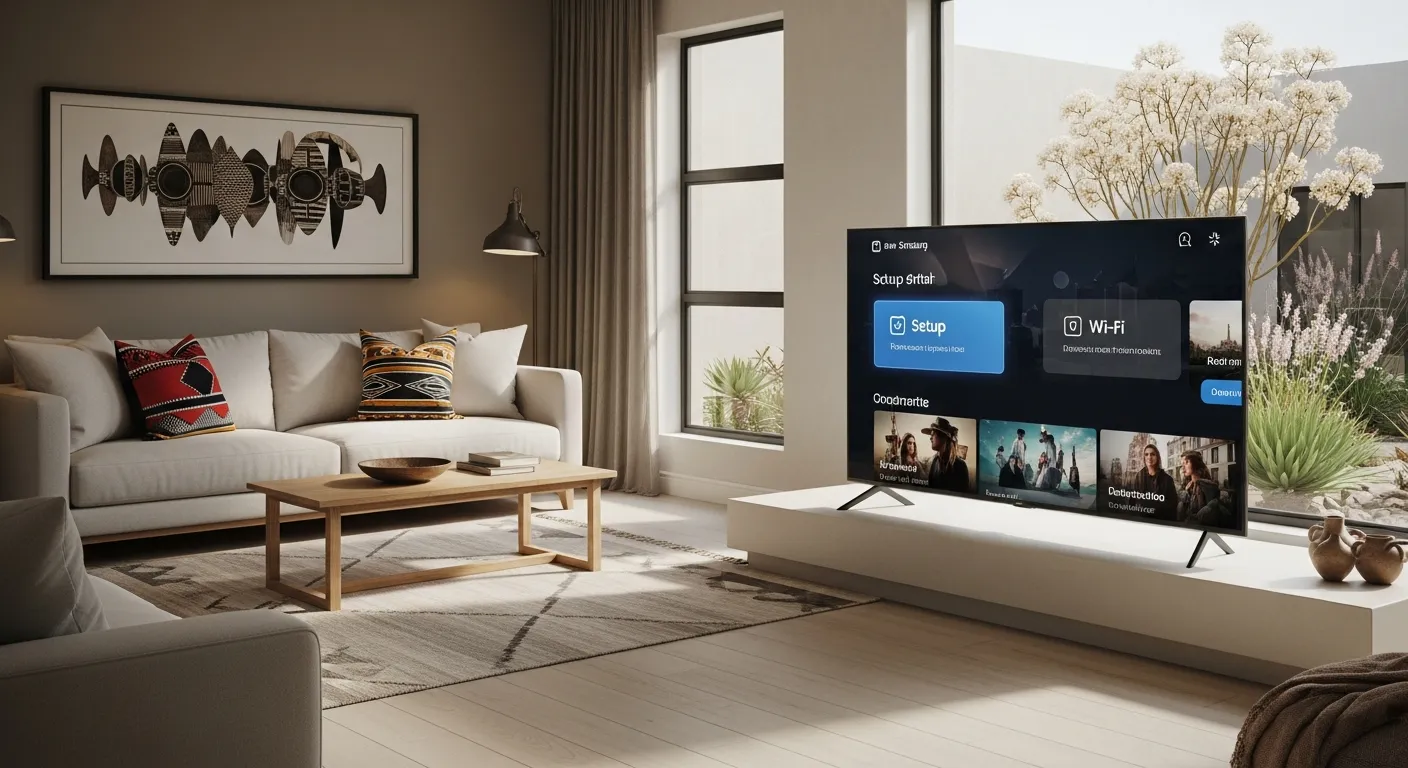
Samsung Smart TVs are among the most popular televisions in South African households, and they work excellently with IPTV services. Whether you have a newer Tizen-based model or an older Samsung Smart TV, there are multiple ways to enjoy IPTV Smart Pro on your Samsung television. This guide covers every method available.
For Samsung TVs running Tizen (2015 models and newer), the Smart IPTV app is the most straightforward option. Open the Samsung App Store on your TV, search for Smart IPTV, and install it. When you first open the app, it displays a MAC address on screen. Using your phone or computer, visit the Smart IPTV website and enter this MAC address along with your M3U playlist URL from IPTV Smart Pro. Save the settings, restart the app on your TV, and your channels will load automatically.
An alternative for newer Samsung TVs is to use a dedicated streaming device like an Amazon Fire Stick or Chromecast with Google TV plugged into one of the HDMI ports. This gives you access to IPTV Smarters Pro with its full feature set including Xtream Codes support, EPG, and catch-up. Simply plug the device into your TV, set it up, install IPTV Smarters Pro, and log in with your credentials. This method often provides a smoother experience than native TV apps.
For Samsung TVs with internet browsers, you can access web-based IPTV players directly. Navigate to a web IPTV player URL in the Samsung TV browser and enter your M3U playlist link. While this method works, it is less convenient than dedicated apps and may not support all features like EPG and favourites.
Picture quality on Samsung TVs is excellent for IPTV viewing. Samsung's QLED and Crystal UHD panels display IPTV 4K content beautifully. To get the best picture, ensure your TV picture mode is set to Movie or Filmmaker Mode for accurate colours. Disable any unnecessary image processing features like Motion Smoothing, which can introduce artefacts in live TV streams. Set the HDMI input to the correct colour format if using an external device.
Network connectivity is important for Samsung TV IPTV performance. If your Samsung TV is close to your router, use the built-in ethernet port for the most stable connection. For wireless, ensure you connect to the 5GHz band. Samsung TVs from 2020 onwards support Wi-Fi 5 or Wi-Fi 6, providing excellent wireless streaming performance for 4K content.
If you encounter any issues with IPTV on your Samsung TV, try these quick fixes: restart both the TV and your router, clear the app cache in Settings, check for TV firmware updates, and verify your IPTV Smart Pro subscription is active. Our WhatsApp support team is available 24/7 to help with Samsung-specific setup questions and can guide you through the process step by step.
Related reading: Install IPTV on Smart TV (LG & Samsung) · Install IPTV on Firestick · Fix Buffering Issues