Technical
March 2026 5 min readHow to Install IPTV South Africa on Firestick: A Quick Guide
Step-by-step guide to installing and setting up IPTV on your Amazon Firestick for the best South African streaming experience.
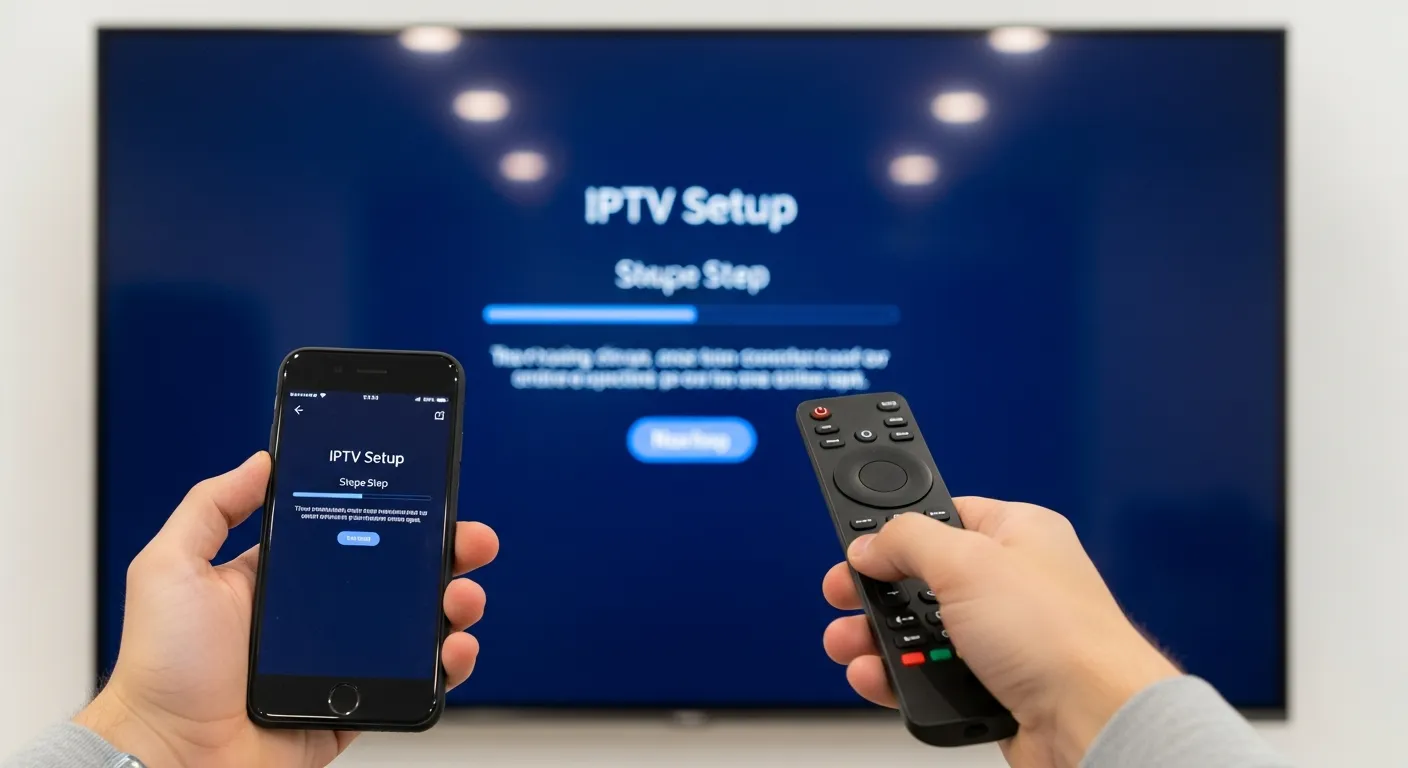
If you are looking to stream the best IPTV South Africa content directly to your living room, the Amazon Firestick is one of the best devices for the job. At iptvsmartpro.co.za, we make setting up your Firestick incredibly simple. This guide walks you through the entire process in just four easy steps.
Step 1: Enable Unknown Sources. From your Firestick home screen, navigate to Settings, then My Fire TV, then Developer Options and turn on Apps from Unknown Sources. This allows you to install third-party streaming apps that are not available in the Amazon App Store. This is a standard procedure used by millions of Firestick owners worldwide.
Step 2: Download the Downloader App. Go back to the home screen, click the search icon, and type Downloader. Install this free app from the Amazon App Store. The Downloader app is a trusted utility that lets you download and install APK files directly onto your Firestick.
Step 3: Download Your IPTV App. Open Downloader and enter the APK URL for your preferred IPTV app such as IPTV Smarters Pro. Once downloaded, click Install. The installation takes just a few seconds. You can also install other popular players - see our top 5 IPTV players guide for alternatives.
Step 4: Enter Your Details. Open the installed app and enter the login credentials provided to you by iptvsmartpro.co.za. You will need your server URL, username, and password. If you are unsure which login method to use, read our guide on Xtream Codes vs M3U links to choose the best option.
Within minutes, you will have access to thousands of live channels, premium sports coverage, and international VODs. The Firestick's compact size means you can even take it with you when travelling - just plug it into any TV with an HDMI port and connect to Wi-Fi.
For the best streaming performance on your Firestick, make sure your internet speed meets the recommended minimums for IPTV streaming. If you experience any buffering, check our buffering troubleshooting guide for solutions.