Sports & Local
December 2025 7 min readStreaming During Load Shedding: How to Keep Your IPTV Running in South Africa
Practical tips on using UPS systems, power banks, and mobile data to keep streaming during load shedding stages in South Africa.
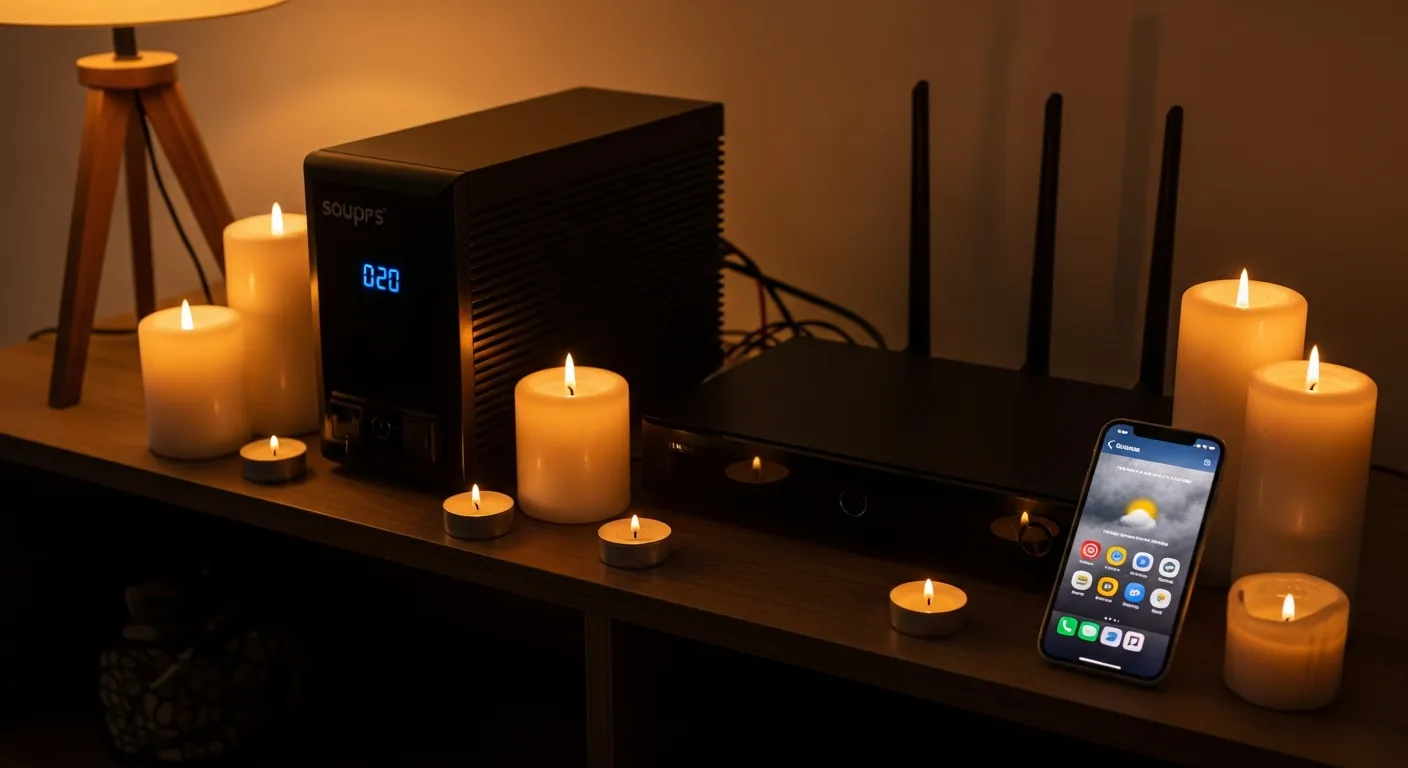
Load shedding remains a reality for South African households, but it does not have to mean the end of your evening entertainment. With some preparation and the right equipment, you can keep your IPTV service running smoothly through Stage 1 to Stage 6 and beyond. Here is everything you need to know about streaming during power cuts.
The most reliable solution is an Uninterruptible Power Supply (UPS). A basic 600VA UPS (around R1,500-R2,500) can power your fibre router and a streaming device like a Fire Stick or Android TV box for 2-4 hours, which is typically enough to cover a standard load shedding slot. For a full Smart TV setup, look at a 1000VA-1500VA UPS that can handle the TV and router together. Connect your fibre ONT (the box that converts the fibre signal), your Wi-Fi router, and your streaming device to the UPS.
If a UPS is beyond your budget, consider a portable power station or large power bank. Many modern power stations in the R2,000-R5,000 range provide enough capacity to run a router and streaming device for 4-6 hours. Look for models with standard plug outlets rather than just USB ports, as your fibre router likely needs a plug connection.
Mobile data is your backup internet option when fibre goes down during extended outages. IPTV Smart Pro works well on LTE connections with speeds of 10 Mbps or more. Use your phone as a mobile hotspot and connect your streaming device to it. To conserve data, reduce your stream quality to SD or HD rather than 4K. At SD quality, you will use approximately 1-1.5 GB per hour, while HD uses about 3-4 GB per hour.
Here is the ideal load shedding streaming setup: connect your fibre ONT and router to a UPS for uninterrupted internet. Power your streaming device (Fire Stick, Android box, or Chromecast) from the UPS as well - these devices use very little power, typically 5-15 watts. If you want to watch on a TV, consider a small portable monitor or use your laptop or tablet instead, as these have built-in batteries and use far less power than a large television.
Plan ahead by checking the load shedding schedule using apps like EskomSePush. If you know power will be out during a big Springboks match or your favourite series premiere, charge all your devices beforehand, download any available offline content, and have your UPS fully charged. With these preparations, load shedding becomes nothing more than a minor inconvenience rather than a viewing disaster.
A final tip: IPTV Smart Pro's Catch-Up feature lets you rewatch content from the previous few days. So even if you miss something during an outage, you can catch up once power returns. Combine this with the timeshift feature that lets you pause and rewind live TV, and you never truly miss a moment of your favourite programming.